
Change a systemd Service with a Drop-In Override
systemd drop-ins let an administrator adjust a packaged unit without editing the vendor’s unit file. This guide uses a harmless scheduling-priority change as an example. Use a lab service first; restarting a production service can interrupt applications.
Inspect the Unit and Its Existing Overrides
Read FirstChoose an existing service and inspect its vendor unit, merged definition, current state, and any drop-in paths before changing it. Replace example.service with a real unit name.
unit=example.servicesystemctl status "$unit" --no-pagersystemctl cat "$unit"systemctl show "$unit" -p FragmentPath -p DropInPaths -p Nice❯ View Expected Console Output
FragmentPath=/usr/lib/systemd/system/example.serviceDropInPaths=Nice=0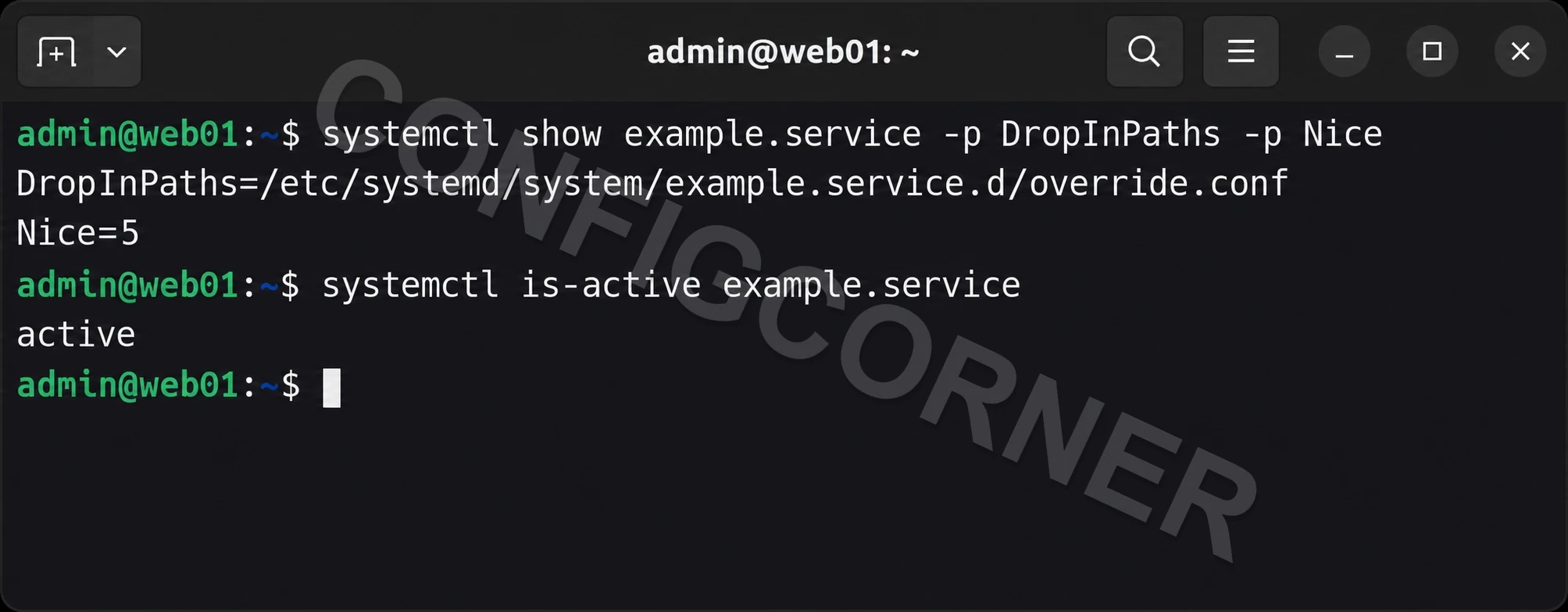
Terminal: Confirm systemd loaded the drop-in and the service remains active.
Create a Small Local Override
Drop-InUse systemctl edit to create /etc/systemd/system/UNIT.d/override.conf. If an override already exists, review it and preserve its settings. The example raises the unit’s nice value, giving it a lower CPU scheduling priority. The exact effect is workload-dependent; avoid changing resource controls without measuring the impact.
sudo systemctl edit example.serviceAdd this content in the editor, then save and close:
[Service]Nice=5❯ View Expected Console Output
Created /etc/systemd/system/example.service.d/override.confReload and Review the Merged Unit
Configuration CheckAfter writing a drop-in, reload systemd’s manager configuration. Then inspect the merged unit and property value. A daemon reload does not itself restart the service.
sudo systemctl daemon-reloadsystemctl cat example.servicesystemctl show example.service -p DropInPaths -p Nice❯ View Expected Console Output
DropInPaths=/etc/systemd/system/example.service.d/override.confNice=5Apply Only During an Approved Restart Window
Service ImpactSome properties affect newly started processes, so the running process may not reflect the change until restarted. Check application health requirements, dependencies, and maintenance timing before restarting the real service.
# In a lab, or during an approved maintenance window:sudo systemctl restart example.servicesystemctl is-active example.servicesystemctl show example.service -p Nicejournalctl -u example.service --since '10 minutes ago' --no-pager❯ View Expected Console Output
activeNice=5Remove Only Your Override When Reverting
RollbackReopen the override and remove only the Nice=5 line added for this example. Preserve any other directives. If the file becomes empty, save it empty so systemd removes the drop-in. Reload systemd and verify the vendor default is active.
sudo systemctl edit example.service# Remove only the Nice=5 line that you added, save, and close.sudo systemctl daemon-reloadsystemctl show example.service -p DropInPaths -p Nice❯ View Expected Console Output
Nice=0Further reading: systemctl manual and systemd unit drop-in configuration.